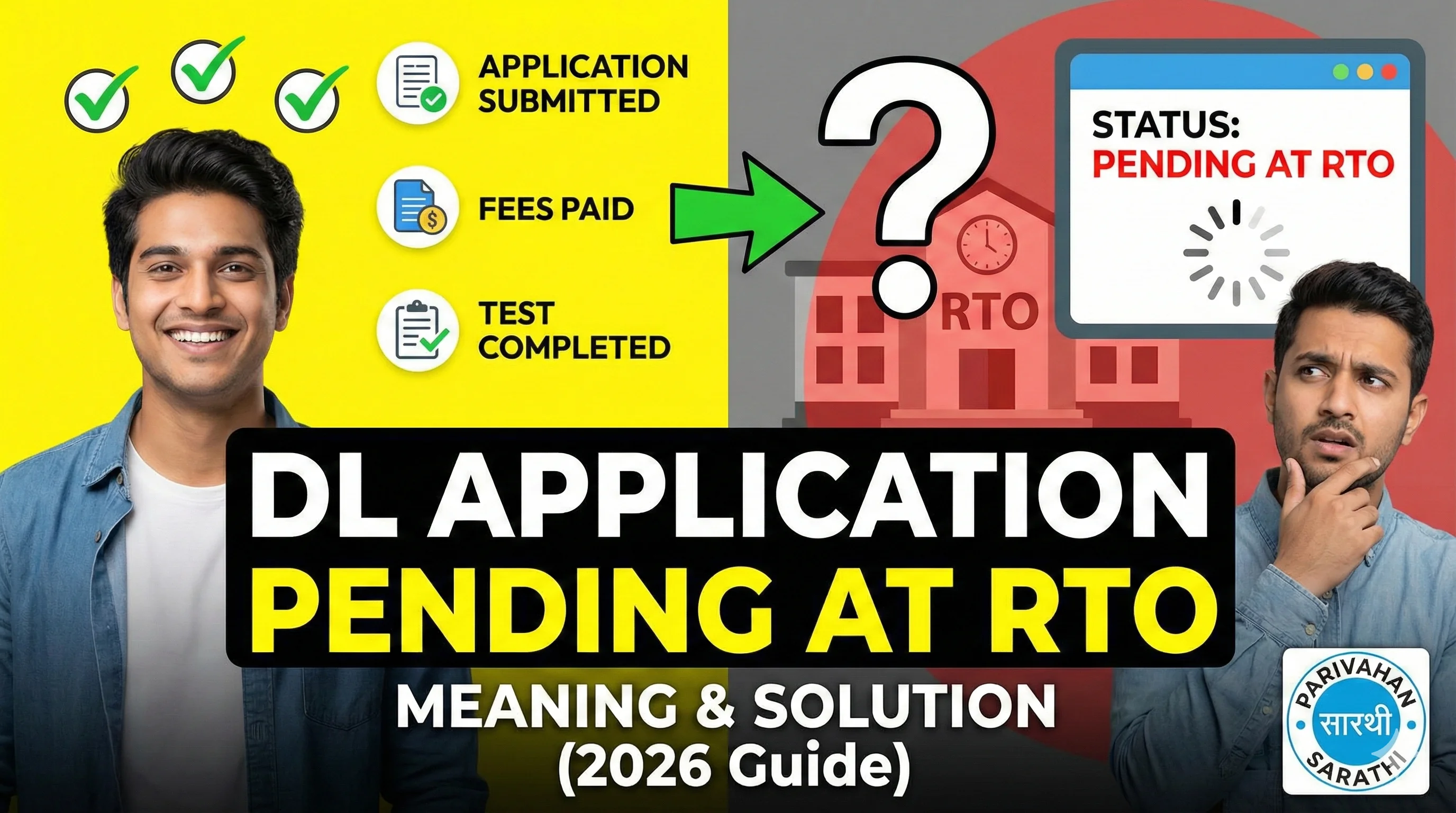
What Does "DL Status Pending at RTO" Mean?
When your driving licence status shows Pending at RTO, it means: Your application has reached your selected RTO but ❌ the RTO has not completed final processing yet. In simple words: Your file is sitting in the RTO system waiting for action. That action can be: document verification, approval by officer, test result update, printing approval, dispatch initiation. So "Pending at RTO" is not a rejection. It is just a delay status.
Where Exactly is Your DL Application Stuck?
When you apply for DL, your application goes through steps like: Form submission, Fee payment, Slot booking, Document verification, Learner licence approval (if new), Driving test, Approval by MVI/RTO officer, Printing, Dispatch. "Pending at RTO" can appear at multiple stages. That's why the solution depends on your situation.
Common Situations When DL Shows Pending at RTO
Case 1: You Paid Fees but Didn't Book Slot — If you paid fees but did not book a slot, the RTO cannot proceed. You need to book appointment: Driving Licence Slot Booking.
Case 2: Slot Completed but Documents Not Verified — Sometimes you visited RTO, but the clerk didn't verify your documents properly. So the system keeps showing: pending at RTO, pending for verification. In this case: visit RTO again, carry originals, request document verification update.
Case 3: Driving Test Completed but Approval Not Done — This is the most common case. You gave the driving test, but: MVI didn't upload result, officer didn't approve the test, file is waiting for signature/approval. So status remains pending.
Case 4: DL Approved but Printing Not Started — Sometimes approval is done, but printing is delayed due to: backlog, printer issues, staff shortage.
How Long Does "Pending at RTO" Take?
The honest answer is: It depends on the RTO workload. But in normal cases: 3 to 15 working days is common. In busy RTOs: ⚠️ it may take 3 to 6 weeks. During peak months: festival season, year-end, staff transfers — Delays can go longer.
Top Reasons Why DL Application is Pending at RTO
1) Heavy Workload at RTO — Many RTOs process thousands of applications. If workload is high: approvals slow down, printing slow down, dispatch slow down.
2) Missing or Mismatched Documents — If there is mismatch in: name, DOB, address, Aadhaar details — Then the application may be held for verification.
3) Driving Test Result Not Updated — Sometimes driving test is conducted offline and result upload is delayed.
4) Biometric or Photo Not Captured Properly — If biometric/photo capture failed: the system holds the application, approval cannot proceed.
5) Technical Issue on Sarathi Portal — Sarathi portal sometimes shows delays due to: server issues, syncing delays, data mismatch.
How to Fix DL Status Pending at RTO (Step-by-Step)
Step 1: Check Your Detailed DL Status — First, don't just read "Pending at RTO". Check full status timeline: Driving Licence Status Check Online. Look for: last update date, current stage, remarks (if any).
Step 2: Confirm Your Slot Booking and Test Completion — If you have not booked slot, book it now: Slot Booking for Driving Licence. If you already completed test: keep your acknowledgement slip, keep payment receipt.
Step 3: Wait 7 Working Days (If Recently Applied) — If your application is only 1–3 days old, don't panic. Most approvals take at least a few working days.
Step 4: Visit RTO If Pending for More Than 15 Days — If it's pending for 15+ working days, then visiting RTO is often the fastest solution. Carry: application number, fee receipt, Aadhaar, original documents, slot/test acknowledgement. Ask them: which stage is pending, whether approval is stuck, whether document mismatch exists.
Step 5: Track Again After RTO Visit — After visiting RTO, check status again after 24–48 hours.
What Happens After "Pending at RTO" is Cleared?
Once the RTO processes your file, status may change to: Approved, Printing of DL in Progress, Dispatched, DL Delivered. After approval, you can download your DL PDF online: Driving Licence Download PDF.
Can I Download DL PDF While Status is Pending?
Usually: ❌ No. Because DL PDF is available only after: approval, printing entry in system. So if status is pending, DL PDF download may show errors.
Important Tips to Avoid DL Pending Issues
1) Always Upload Clear Documents — Blurred documents lead to verification delays.
2) Use Correct Name and DOB — Mismatch between Aadhaar and application is the biggest reason for delay.
3) Book Slot Immediately — Don't wait after fee payment.
4) Keep All Receipts — Receipts help at RTO if file is stuck.
Final Conclusion
"Pending at RTO" is one of the most common DL status messages. It usually means: your application is in queue, approval or verification is pending, RTO has not completed final processing. If it is pending for more than 15 working days, visiting the RTO is often the fastest solution.