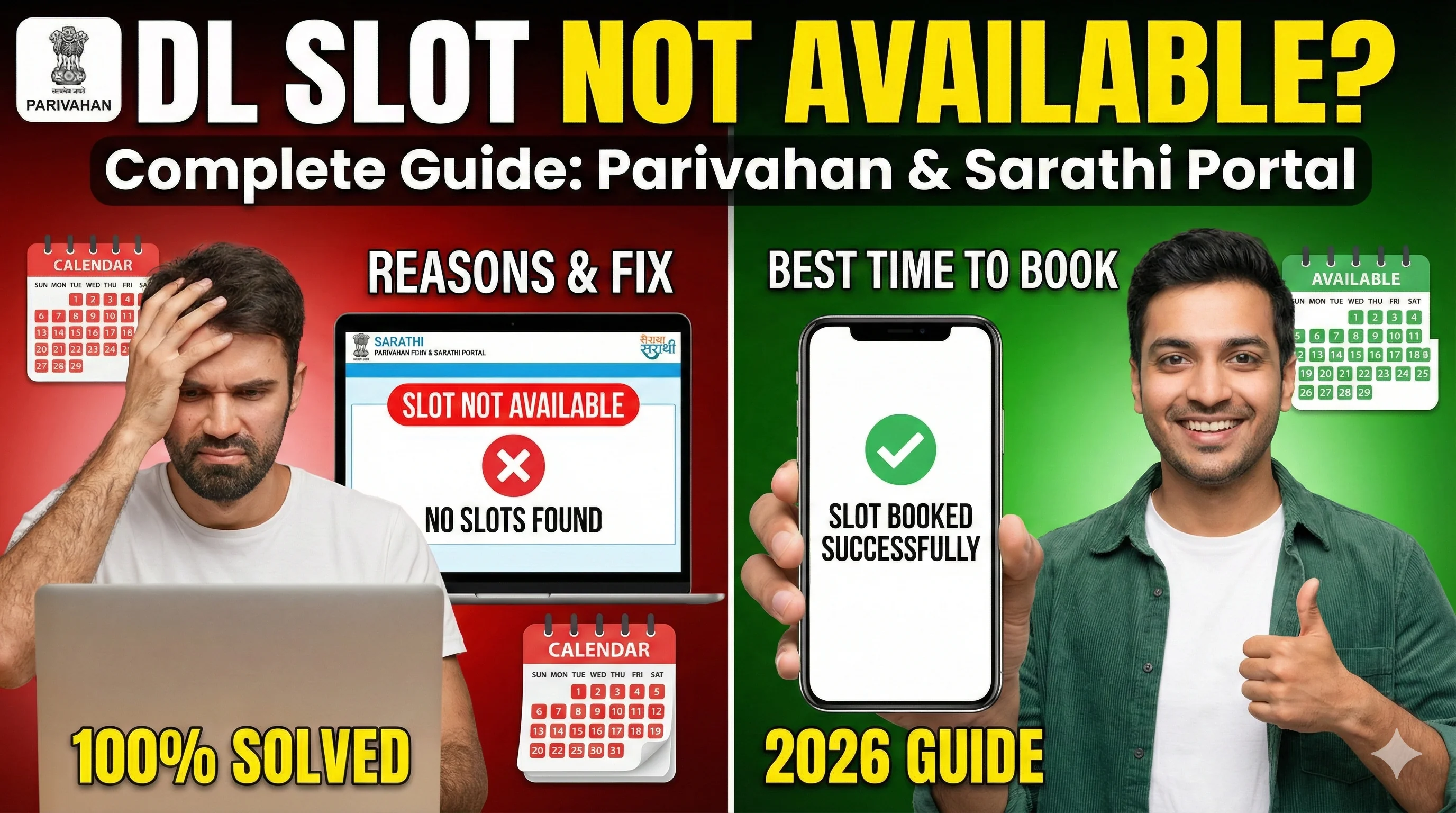
What Does "DL Slot Not Available" Mean?
When Sarathi shows "slot not available", it means: The RTO does not have appointment capacity for the selected date/time. In simple words: all slots are already booked, RTO has not opened slots yet, the portal is not showing dates due to backlog. This is not a payment issue in most cases.
How DL Slot Booking Works (Simple Explanation)
Sarathi works like an appointment calendar. Each RTO has: a fixed number of daily slots, limited staff for verification/test, limited driving test track capacity. So if your RTO is busy, slots fill quickly.
Top Reasons Why DL Slot is Not Available
1) Slots Are Fully Booked — This is the most common reason. Busy RTOs fill slots fast due to: high population, backlog, limited test staff.
2) RTO Has Not Opened New Slots — Some RTOs open slots only: weekly, once every few days, after clearing backlog. So you may see "no slots" for many days.
3) You Selected the Wrong Service — Some users select: "DL test slot" instead of "document verification slot", "LL service" instead of "DL service". And that service may not have slots.
4) System Maintenance / Sarathi Server Load — Sarathi sometimes faces: high traffic, slow loading, session timeout. Then it temporarily shows no slots.
5) You're Booking During Peak Hours — Peak hours: 10 AM to 2 PM, evening 6 PM to 9 PM. During these times, slots disappear quickly.
6) Your Application is Not Eligible Yet — Sometimes slot booking is blocked because: learner licence not approved, test date not eligible, required waiting period not completed. To confirm, check your status: Driving Licence Status Check.
Best Time to Book DL Slot (Works in Most States)
Slots open most often at: Early morning (6 AM – 9 AM) Late night (11 PM – 1 AM). Why? Because: less traffic, portal loads faster, new slots often get released overnight.
How to Fix "DL Slot Not Available" (Step-by-Step)
Fix 1: Try Booking in Early Morning — Try between 6:00 AM to 9:00 AM. Refresh calendar and check dates.
Fix 2: Check Slots for Next 2–4 Weeks — Many users only check current week. But in busy RTOs, you may only get slots after 2–4 weeks.
Fix 3: Select a Different RTO (If Allowed) — Some states allow choosing a different RTO. If your nearest RTO is overloaded, select another one in the same city.
Fix 4: Use Desktop Browser Instead of Mobile — Mobile browsers often show: loading issues, calendar not opening, blank slot screen. Use: Chrome desktop, Edge desktop. This improves success rate.
Fix 5: Clear Cache or Use Incognito Mode — Sarathi sometimes fails due to old session data. Use: incognito mode, clear cookies/cache, restart browser.
Fix 6: Avoid Multiple Refresh Spamming — If you keep refreshing quickly, Sarathi may temporarily block your session. So: refresh slowly, wait 10–20 seconds between attempts.
Fix 7: Try After 24 Hours (Slots Open in Batches) — Many RTOs release slots daily/weekly. So if today no slot, check again tomorrow morning.
What If DL Slot Not Available for 1 Month?
If you are stuck for 1 month, it usually means: your RTO is overloaded, slots are not being released, backlog is too high. In such cases: Best solutions: choose different RTO (if possible) visit RTO for manual guidance check early morning daily.
After Slot Booking: What Should You Do Next?
Once you successfully book slot: download appointment slip, keep payment receipt, keep documents ready, reach RTO 30 minutes early.
Can I Download DL While Slot Not Available?
If your DL is not approved yet, you cannot download. But once DL is approved, you can download: Driving Licence Download Online.
Final Conclusion
DL slot not available is usually caused by: full bookings, RTO backlog, slots not released yet, portal traffic. The best fix is: try early morning, check future weeks, use desktop browser, select another RTO if possible.
Related Parivahan Services
- Driving Licence Slot Booking
- Check Driving Licence Status Online
- Download Driving Licence PDF
- For more official guides, visit Parivahan Sewa