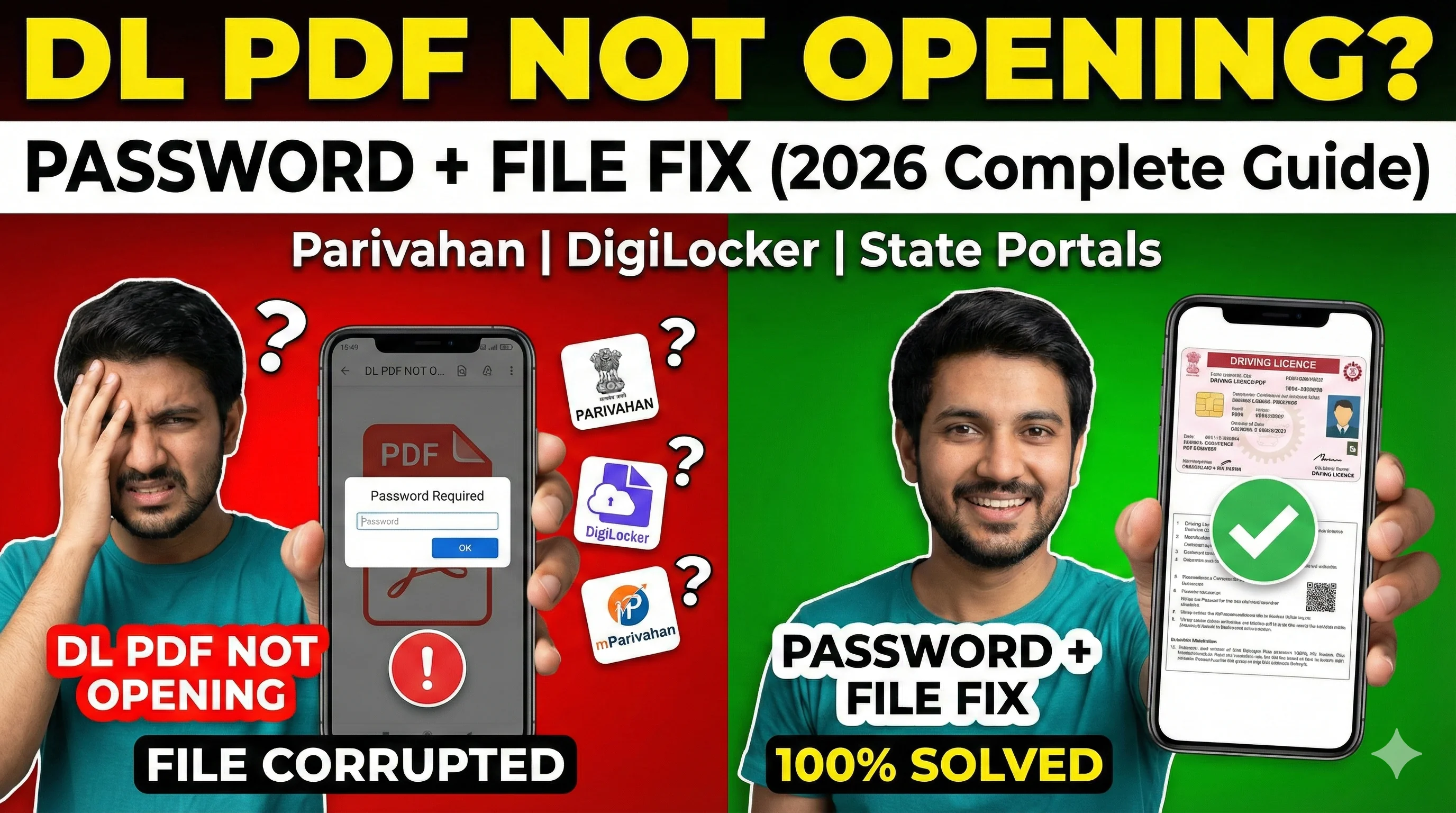
Why Driving Licence PDF Needs Password
Driving Licence contains sensitive details like: full name, DL number, DOB, address (sometimes), issue date and validity. So DL PDFs are usually password protected for security. This is normal. The issue happens because: people don't know the correct password, portals don't clearly explain it, different states follow slightly different formats.
Most Common Reasons Why DL PDF is Not Opening
1) DL PDF is Password Protected — This is the most common reason. You downloaded the file correctly, but: PDF asks for password, password not working.
2) PDF Download Incomplete — Sometimes the PDF file is not downloaded fully due to: slow internet, Sarathi server timeout, mobile browser issue. This results in: corrupted file, PDF not opening, blank PDF.
3) Wrong Password Format — Even if you know password is DOB-based, you may enter it wrong. Examples: using wrong DOB format, using DDMMYYYY vs DD-MM-YYYY, using uppercase/lowercase mismatch.
4) Licence Not Fully Approved Yet — Sometimes you are trying to download DL too early. If DL status is: pending at RTO, pending for approval, printing not done, then downloaded PDF may be blank or incomplete. You should check status first: Driving Licence Status Check.
5) Opening PDF in Wrong App — Some PDF readers fail to open protected PDFs. Common cases: old PDF reader version, WhatsApp built-in viewer, phone file viewer.
Correct Driving Licence PDF Password (Most Common Format)
In most cases, the DL PDF password is: Your Date of Birth (DOB) in DDMMYYYY format. Example: DOB: 15/08/1998 → Password: 15081998. DOB: 02/01/2001 → Password: 02012001.
Important Password Tips — Do not use spaces. Do not use slashes. Do not use hyphens. Always use 8 digits. Correct: 15081998. Wrong: ❌ 15/08/1998, ❌ 15-08-1998, ❌ 15081998 (with spaces).
What If DOB Password is Not Working? — If DOB is not working, possible reasons: 1) Wrong DOB in DL record — Check your DL details through Driving Licence Status. 2) State uses different password format — Some portals may use: last 4 digits of DL number, combination of name + DOB. But in most Parivahan DL PDFs, DOB format is used.
How to Fix DL PDF Not Opening (Step-by-Step)
Fix 1: Try the DOB Password Correctly — Use DDMMYYYY. Example: DOB 07/12/1999 → 07121999. Try 2–3 times carefully.
Fix 2: Download the PDF Again (Most Effective Fix) — If the file is corrupted, re-download it. Incomplete downloads are very common on Sarathi. Use stable internet and download again from Driving Licence Download Online.
Fix 3: Use a Different Browser — Sometimes mobile browsers mess up downloads. Try: Chrome desktop, Chrome incognito, Firefox, Edge. This fixes many "blank PDF" issues.
Fix 4: Open PDF in Adobe Acrobat Reader — Many default phone viewers cannot open protected PDFs properly. Use: Adobe Acrobat Reader, Google PDF Viewer. Avoid: WhatsApp viewer, gallery viewer, file manager preview.
Fix 5: Check DL Status Before Downloading Again — If your DL is not printed yet, PDF may not open. Check status here: Track Driving Licence Status Online. If status shows: approved, printed, dispatched — Then PDF should work. If status shows: pending at RTO, pending for approval — Wait a few days and try again.
Fix 6: Try Downloading Through mParivahan — mParivahan is an official app that provides digital DL. mParivahan App. Sometimes, if Sarathi PDF download fails, mParivahan works smoothly.
DL PDF Downloaded But Blank (White Page)
If your PDF opens but shows: blank page, white screen, only header but no data — Possible reasons: DL not printed in system, download file is incomplete, server error during PDF generation. Solution: re-download after 24 hours, check DL status, try from desktop browser.
DL PDF File Corrupted / Damaged
If you see: "file cannot be opened", "file is corrupted", "unsupported format" — Then the PDF download was incomplete. Fix: delete file, re-download using stable internet, avoid downloading inside WhatsApp/Telegram browsers.
Alternative Ways to Get Digital Driving Licence
Option 1: mParivahan — mParivahan.
Option 2: DigiLocker — DigiLocker also provides DL in many cases. But it requires: Aadhaar-linked mobile OTP.
Option 3: Physical Licence Tracking — If your licence is dispatched, you can wait for the physical card. Check driving licence status first: Driving Licence Status.
Final Conclusion
If your DL PDF is not opening, it is usually due to: password protection (DOB format), corrupted/incomplete download, DL record not fully updated, wrong PDF viewer. Most issues are fixed by: using correct DOB password, re-downloading properly, checking DL status, using mParivahan.
Related Parivahan Services
- Driving Licence Download Online
- Check Driving Licence Status
- mParivahan App
- For more transport services, visit Parivahan Sewa