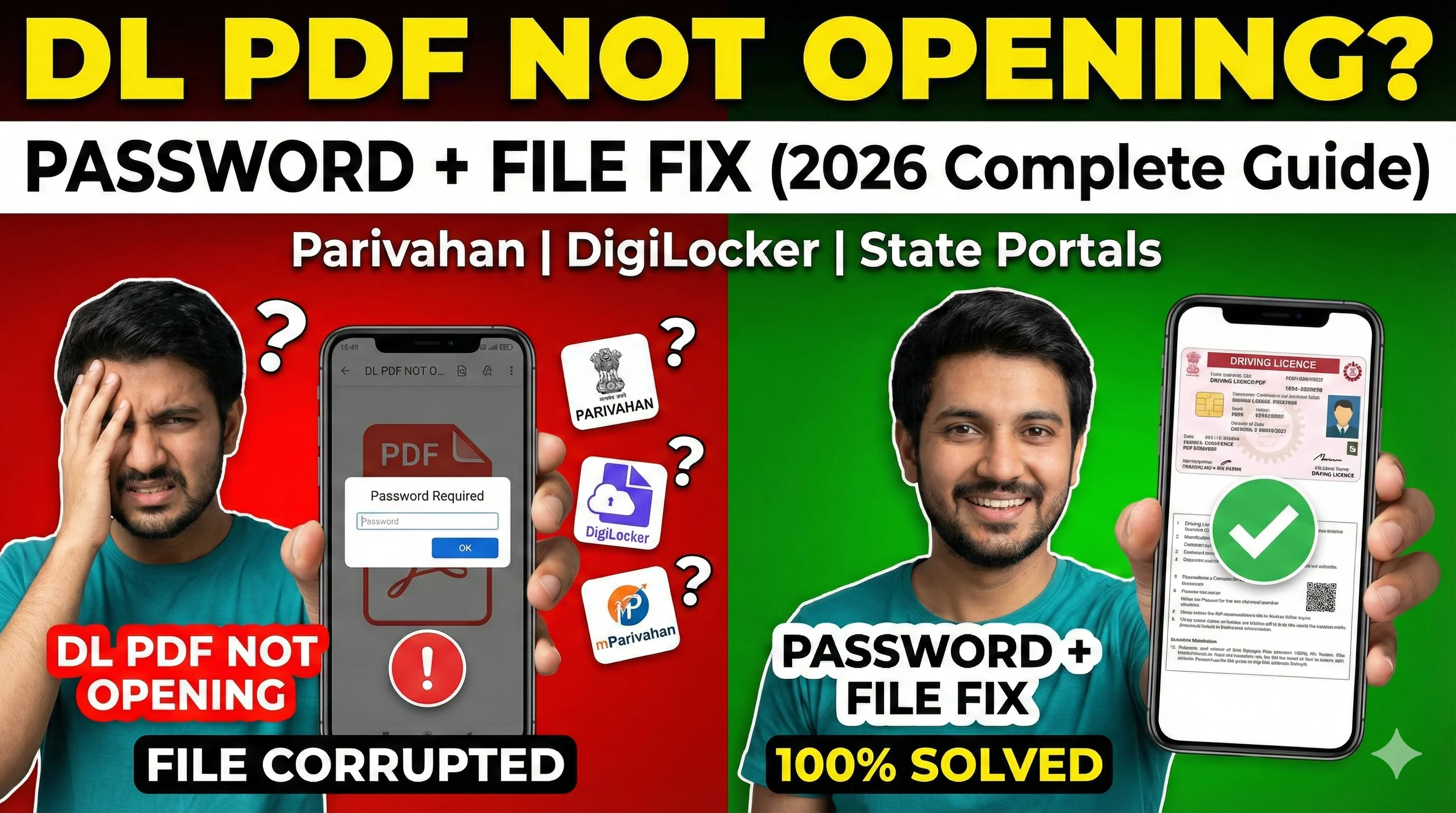
What is a Duplicate Driving Licence?
A duplicate driving licence is a re-issued copy of your original DL. It is required when your original licence is: lost, stolen, torn or damaged, faded (details unreadable), destroyed due to accident or water damage. Important note: Duplicate DL is NOT a new licence. Your DL number usually remains the same, but a fresh card/print is issued.
Duplicate DL vs DL Download PDF (Big Difference)
1) DL Download PDF — This is used when: your DL exists, you just need a digital copy, you want to keep it on phone. No new licence is issued. Driving Licence Download.
2) Duplicate DL — This is used when: your original DL is lost/damaged, you need a replacement card, you want official reissue. So duplicate DL is an actual reissue request.
Can I Download Duplicate Driving Licence PDF Without Applying?
If your DL is already issued and valid, you can usually download the PDF version without applying for duplicate. But if: your DL record is old, details are missing, DL not available digitally — Then you may need to apply for duplicate. To check whether your DL is active in system, check status: Check Driving Licence Status.
When You Should Apply for Duplicate Driving Licence
You should apply for duplicate DL if: DL is lost DL is stolen DL is damaged DL card not received after dispatch DL is unreadable.
Do You Need FIR for Duplicate DL?
This depends on the state and situation. Generally: If DL is stolen → FIR may be required. If DL is lost → sometimes a written declaration works. If DL is damaged → FIR not required. Some states ask for: police complaint copy, affidavit, self-declaration. So always check requirements while applying.
Documents Required for Duplicate Driving Licence
Most common documents include: Mandatory — Driving licence number, Date of birth, Aadhaar or ID proof, Address proof. In some cases — FIR copy (lost/stolen), affidavit, damaged licence copy (if available), passport size photo.
DL Duplicate Copy Apply Online (Step-by-Step)
Step 1: Go to Sarathi / Parivahan Driving Licence Services. Duplicate DL is processed through the Sarathi portal. Select your state.
Step 2: Choose "Duplicate DL / Replacement of DL". Different states may show it as: Duplicate DL, Replacement of Driving Licence, Issue of Duplicate Licence, Services on Driving Licence.
Step 3: Enter DL Number + DOB. You will need: DL number, date of birth. This fetches your details from the database.
Step 4: Fill Application Form. You may need to fill: name, address, mobile number, reason for duplicate, optional details.
Step 5: Upload Documents. Upload required documents like: Aadhaar, address proof, FIR (if required), photo/signature (if asked).
Step 6: Pay Fees Online. Fees vary by state. But duplicate DL usually has: base fee, smart card fee (optional in some states). After payment: receipt is generated, application number is created.
Step 7: Book Appointment (If Required). Some states require appointment for: biometric, photo capture, signature, document verification. To book slot: Slot Booking for Driving Licence.
Step 8: Visit RTO (If Required). If appointment is required, visit RTO with: original documents, payment receipt, application printout.
How to Track Duplicate Driving Licence Status
Once you apply, tracking becomes important. You can check: application approved or pending, verification status, printing status, dispatch status. Track here: Driving Licence Status Check.
How to Download Duplicate Driving Licence PDF
After approval, you can download the updated DL PDF. Use the official DL download method: Download Driving Licence PDF. Once downloaded: keep PDF saved, keep a backup in Google Drive, store in DigiLocker/mParivahan.
How Many Days It Takes to Get Duplicate Driving Licence
Time depends on: state, RTO workload, whether appointment is required, printing and dispatch speed. But usually: Duplicate DL processing time: 3 to 15 working days (common). In some states it may take longer.
Common Problems + Solutions (Real User Issues)
Problem 1: Duplicate DL option not showing — This happens due to: wrong state selected, service temporarily disabled, system maintenance. Fix: select correct state, try at night or early morning.
Problem 2: DL record not found — This happens if: your DL is very old, DL not digitized, DL number entered wrong. Fix: verify DL number, visit RTO if record is not online.
Problem 3: Payment done but application not generated — This happens due to: payment gateway issue, session timeout. Fix: check payment receipt, wait 30 minutes, retry or contact helpdesk.
Problem 4: Status pending at RTO for long time — This means: verification not completed, RTO backlog. Fix: wait 7–10 days, visit RTO if urgent.
Tips to Avoid Losing DL Again
Keep DL PDF in phone; store in DigiLocker; add to mParivahan; keep a printed copy in vehicle; take photo of DL card.
Final Conclusion
DL duplicate copy is the official solution when your driving licence is lost, stolen, or damaged. To get it smoothly: apply online, upload correct documents, pay fees, book appointment if required, track status regularly, download PDF after approval.
Related Parivahan Services
- Download Driving Licence PDF
- Check Driving Licence Application Status
- Slot Booking for Driving Licence
- For more official services, visit Parivahan Sewa