What Does "DL Dispatch Status" Mean?
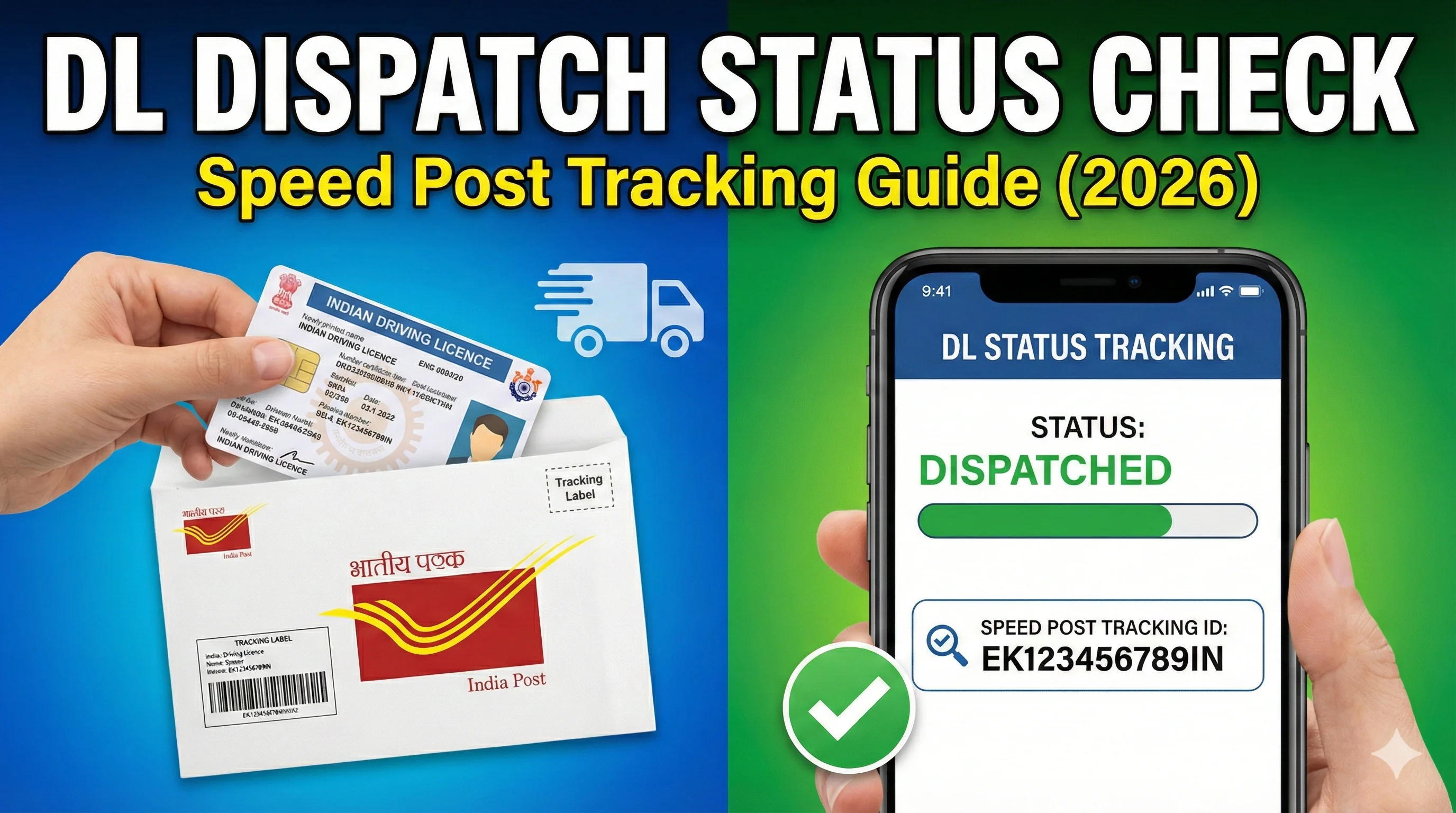
DL dispatch status means your driving licence is: printed and ready and sent for delivery to your address. Usually, driving licence is dispatched via: India Post (Speed Post), in some states: registered post, sometimes courier (rare). So if dispatch status shows: Dispatched, DL dispatched, DL sent — That means your licence is out for delivery.
DL Dispatch Status Stages (What You May See)
Your status may show different stages such as: 1) Approved — Your licence is approved. 2) Printing of DL in progress — Licence is being printed. 3) Dispatched — Licence has been sent for delivery. 4) Delivered — Licence delivered to your address.
How to Check DL Dispatch Status Online
Step 1: Open Driving Licence Status page — Driving Licence Status.
Step 2: Enter required details — Usually: Application number, DOB, or DL number.
Step 3: Check dispatch entry — If dispatched, you may see: dispatch date, speed post tracking number (sometimes).
Speed Post Tracking for Driving Licence (How It Works)
If your DL is sent by Speed Post, you should receive: a tracking number. This tracking number is usually called: consignment number, Speed Post number, article number. Example format: EE123456789IN, EM987654321IN.
Where to Find DL Speed Post Tracking Number — The tracking number may appear: inside DL status details, in dispatch remarks, sometimes on RTO receipt section. But in many cases: ⚠️ tracking number is NOT shown online even if DL is dispatched. This is normal in some states.
DL Dispatched But Tracking Number Not Showing (Why?)
This is one of the most common problems. It happens because: 1) RTO system did not upload tracking number 2) dispatch batch was sent without linking tracking 3) status updated but India Post entry delayed 4) technical syncing issue. In such cases, you can still wait because delivery may happen.
How Many Days After Dispatch DL is Delivered?
This depends on: your city, state, RTO backlog, India Post workload. But generally: DL delivery time after dispatch: 3 to 10 days (common). In remote areas: 10 to 20 days.
DL Dispatch Status Not Updated (Still Printing)
If your status is stuck at: printing of DL in progress, pending for printing, pending for dispatch — This usually means: RTO printing backlog, printer downtime, staff shortage. In such cases: wait 5 to 10 working days, then contact RTO if urgent.
DL Dispatched But Not Delivered (What To Do?)
If your status shows dispatched but you haven't received DL even after 10–15 days: Step 1: Recheck status again — Sometimes delivery happens but status isn't updated. Check driving licence status online. Step 2: Confirm your address details — If address is wrong or incomplete, Speed Post may return it. Step 3: Visit local post office — If you have tracking number, post office can confirm delivery. Step 4: Contact your RTO — Ask: dispatch date, tracking number, whether DL returned undelivered.
Can I Use Digital Driving Licence While Waiting?
Yes. If your physical DL is delayed, you can still use digital DL. Option 1: Download DL PDF — Driving Licence Download PDF. Option 2: Use mParivahan — mParivahan provides a digital driving licence. mParivahan.
Important: Is Digital DL Valid for Traffic Police? — Yes. Digital driving licence in: mParivahan, DigiLocker — is accepted under Motor Vehicles rules in most situations. So even if your card is not delivered, you can still show digital DL.
Common Problems + Fixes
Problem 1: DL dispatched but status still shows printing — This is a syncing issue. Solution: wait 24–48 hours, check again.
Problem 2: Tracking number not working — Sometimes tracking starts after 12–24 hours. Solution: check after 1 day, try again.
Problem 3: DL returned to RTO — This happens if: address incorrect, nobody received it, delivery failed. Solution: contact RTO, update address if needed.
Final Conclusion
DL dispatch status helps you confirm that your driving licence is printed and sent for delivery. If tracking is not available, don't panic — many states don't show tracking numbers online. While waiting, you can safely use: DL PDF, mParivahan digital DL.
Related Parivahan Services
- Check Driving Licence Status
- Download Driving Licence PDF
- mParivahan App
- For more official guides, visit Parivahan Sewa