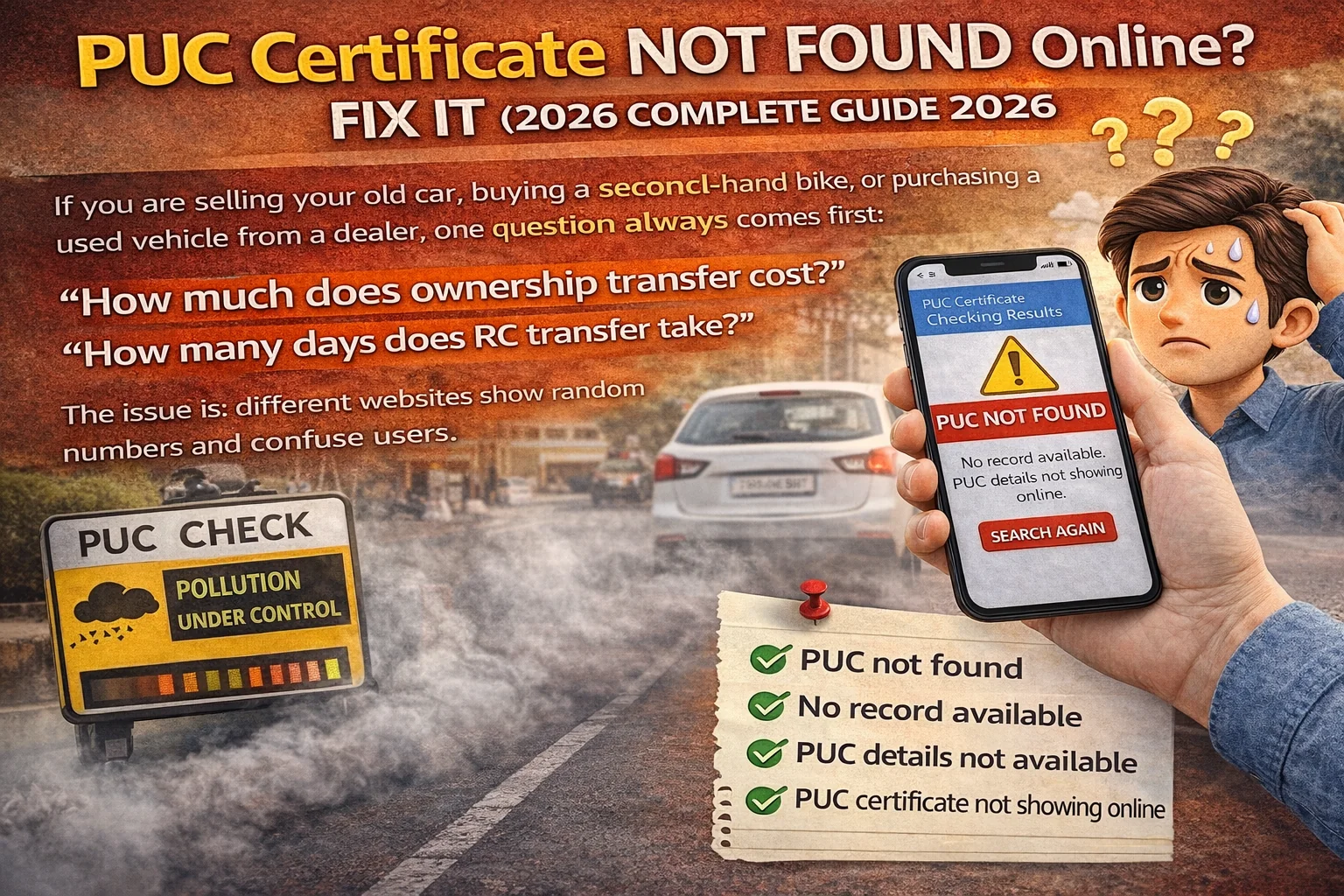
What Does "PUC Not Found" Mean?
When you see "PUC not found", it usually means: The Parivahan/Vahan system is not able to fetch your latest PUC record. This can happen because: your PUC is not uploaded, the PUC centre uploaded it incorrectly, your vehicle number format was wrong, the system has not updated yet, or your record is stored but not linked properly. So "PUC not found" does NOT always mean you don't have a valid PUC. It only means the online system cannot show it right now.
Top Reasons Why PUC Certificate is Not Showing Online
1) PUC Record Update Delay (Most Common Reason) — This is the most common reason. PUC records are uploaded by the PUC testing centre. But the record may take time to sync to Parivahan. How long does it take? Usually: 1 to 24 hours. In some cases: ⚠️ 2 to 3 days. In rare cases: ❌ up to 7 days (system backlog). So if you got your PUC done today, and it's not showing instantly, don't panic.
2) Wrong Vehicle Number Entered — Many people enter their vehicle number in the wrong format. Examples: using spaces (DL 01 AB 1234), missing state code, mixing O and 0, mixing I and 1. Correct format is usually: DL01AB1234, MH12CD5678. If you enter wrong format, it will show "PUC not found" even if PUC exists.
3) PUC Centre Entered Wrong Vehicle Number — This is a big real-world issue. PUC operator may type: wrong digit, wrong letter, wrong series, wrong state code. Even a small mistake means the PUC record gets saved under another number. So your PUC exists, but it is linked to the wrong registration number.
4) PUC Centre Not Linked / Not Authorized Properly — Some centres: do not upload properly, are not syncing correctly, use old software. So even if they gave you a printed slip, the record might not be properly available online.
5) Vehicle Details Not Updated in Vahan — In some old vehicles, the Vahan record is incomplete or mismatched. If the vehicle record itself is not properly available, PUC may not link. You can confirm your vehicle record by checking: Vehicle Owner Details Online. If your vehicle record is missing or incorrect, PUC linking may fail.
6) PUC Expired — Sometimes users search PUC online after many months and see "not found". In some cases, old expired PUC records are not displayed properly. So if your PUC validity is over, it may not show as active.
How to Fix "PUC Not Found" Online (Step-by-Step)
Step 1: Wait 24 Hours and Recheck — If you got PUC done recently, first wait. PUC record update delay is very common.
Step 2: Check Vehicle Number Format — Re-enter vehicle number in correct format. Avoid: spaces, hyphens, wrong letters.
Step 3: Match the Printed PUC Slip Details — Check your PUC slip for: registration number, chassis number (partial), date of test, validity date, emission values. If the vehicle number is wrong on slip, that confirms the operator error.
Step 4: Contact the PUC Centre — If the PUC slip is wrong or record not uploaded, contact the centre. Ask them: to correct vehicle number, re-upload the record, or reissue PUC. Most centres can fix it if approached quickly.
Step 5: Check Vehicle Details Online — Sometimes the PUC is not linking because vehicle record is mismatched. RTO Vehicle Information. If your vehicle record is correct, PUC should eventually sync.
What If PUC is Not Found and You Get Challan?
This is a very important real-world scenario. If your PUC is not showing online, traffic police may issue challan. Because: they check PUC digitally, they may not accept old paper slip in some cities. So if your PUC is missing online and you get stopped: show your printed PUC slip, show payment receipt, keep a photo of PUC slip in phone. If you want to check whether any challan is already issued: Online Challan Check.
PUC Not Found But Slip is Available – Am I Safe?
If your slip is genuine and valid, you are mostly safe. But online record is still important because: many cities use digital verification, challans are auto-generated in some cases, insurance claims and checks may require online record. So it's best to get it corrected.
How to Avoid PUC Not Showing Online Next Time
To avoid this problem in future: 1) Always check vehicle number typed by operator before they submit. 2) Choose an authorized PUC centre — Prefer official and busy centres. 3) Recheck online after 24 hours — If it's not updated, fix immediately.
What If You Lost Your PUC Slip and It's Not Found Online?
This is a tricky case. If: slip lost, record not showing online — Then your only safe option is: get PUC done again from a good centre. Because driving without proof can lead to challan.
Related Parivahan Services
- PUC Certificate Online Guide
- Vehicle Owner Details Online
- e Challan Check Online
- For more transport services, visit Parivahan Sewa
Final Conclusion
If your PUC certificate is not found online, it is usually not a serious issue — it is often caused by: sync delay, wrong vehicle number, operator upload mistake. But you should still fix it quickly, because: challan can happen, digital verification is common, PUC proof is required for legal driving.