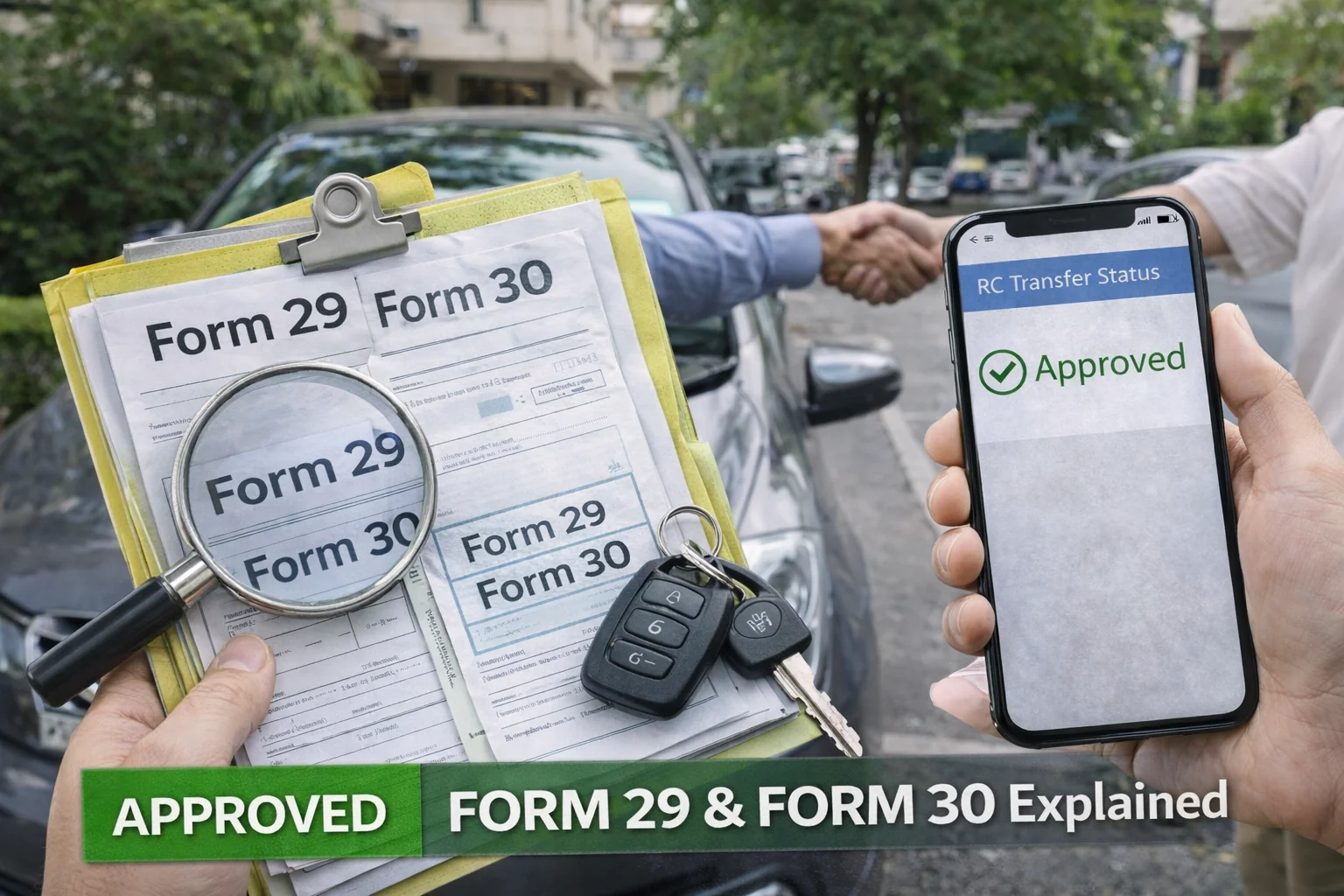
Why Form 29 and Form 30 Matter So Much
Many people think selling a vehicle is done when: payment is received, vehicle is handed over, or a sale agreement is signed. But legally, that is not enough. In RTO records, the owner is still the person whose name is on the RC. So if the buyer gets challans, commits an offence, causes an accident, or uses the vehicle illegally …then the seller may still face trouble. Form 29 and Form 30 are the documents that protect both buyer and seller.
What is Form 29? (Meaning in Simple Words)
Form 29 = Notice of Transfer of Ownership. Form 29 is basically a legal notice given to the RTO that: "I (the registered owner) have sold/transferred my vehicle to this buyer." So Form 29 is mainly the seller's declaration. Key point: It informs the RTO that the vehicle is being transferred.
Who Fills Form 29? Form 29 is filled and signed by: The seller (registered owner). However, in most cases, both seller and buyer sign it to avoid disputes.
How Many Copies of Form 29 Are Required? This depends on the RTO, but usually: 2 copies of Form 29 are required; some RTOs ask for 3 copies. A safe practice is: Keep at least 2 signed copies, and one photocopy for your records.
What is Form 30? (Meaning in Simple Words)
Form 30 = Application for Transfer of Ownership. Form 30 is the actual request to the RTO that says: "Please transfer the ownership of this vehicle from seller to buyer." So Form 30 is the buyer's request. Key point: It is the main application form used for RC ownership transfer.
Who Fills Form 30? Form 30 is filled by: The buyer (new owner). But the seller's signature is also required. So practically: buyer fills the details, both buyer and seller sign it.
How Many Copies of Form 30 Are Required? Most RTOs ask for: 2 copies of Form 30 (one for RTO record, one for RC processing).
Form 29 vs Form 30 (Big Difference People Don't Understand)
A simple way to remember: Form 29 = Seller informing RTO about the sale. Form 30 = Buyer requesting RTO to transfer ownership. Both are needed. If you submit only one, transfer will usually not complete.
Where Do You Get Form 29 and Form 30?
You can get these forms from: RTO office, official Parivahan portal, RTO agent, or dealer (in some cases). But the important part is: Use the latest format and fill details exactly as per RC. Even one spelling mismatch can cause delays.
How to Fill Form 29 (Step-by-Step with Explanation)
Form 29 usually contains: 1) Vehicle details — Registration number, Chassis number, Engine number, Vehicle class. Important: These details must match the RC exactly. 2) Seller details — Seller name, Seller address. Use the same name spelling as RC. 3) Buyer details — Buyer name, Buyer address. Buyer address should match buyer's proof. 4) Date of transfer — This is the date the vehicle was sold. Do not put random dates. 5) Signature — Seller signature is mandatory. In most cases buyer signature is also taken.
Common Mistakes in Form 29: These mistakes cause rejection or long delays: wrong chassis number, incomplete buyer address, signature mismatch, overwriting or correction fluid, mismatch between RC and form spelling, wrong date format.
How to Fill Form 30 (Step-by-Step with Explanation)
Form 30 includes: 1) Buyer's request section — Buyer confirms they want ownership transferred. 2) Vehicle details — Same as Form 29. 3) Buyer details — name, address, ID proof reference. 4) Seller consent — Seller signs to confirm transfer. 5) Hypothecation / Loan section (if applicable) — If the vehicle is under loan, Form 30 transfer becomes complicated. In such cases: bank NOC may be needed, hypothecation removal may be required first.
Common Mistakes in Form 30: missing buyer signature, missing seller signature, wrong buyer ID details, address mismatch, loan active but not mentioned.
Documents Required Along with Form 29 & 30
Form 29 and 30 alone are not enough. Usually you need: original RC, insurance copy, PUC certificate, buyer ID proof, buyer address proof, passport size photo, sale agreement (recommended), fee receipt, Form 35 + bank NOC (if hypothecation exists). For full checklist, visit: Vehicle Ownership Transfer.
What Happens After Submitting Form 29 & 30?
Once you submit documents: RTO verifies forms, challan/tax check may happen, buyer verification may happen, approval is given, new RC is generated, RC printed and dispatched. So the process is not instant.
How to Track RC Transfer Status After Submission
After submitting Form 29 & 30, you should track the ownership transfer progress. Track RC Status Online. You may see status like: pending at RTO, pending for approval, approved, RC printed, dispatched. Tracking helps you confirm whether transfer is moving or stuck.
How to Confirm Ownership Transfer is Completed
Once transfer is done, you can also confirm by downloading the RC PDF. Download RC PDF Online. If RC PDF shows: buyer name, updated details …then ownership transfer is completed.
What If Buyer Doesn't Transfer RC After Purchase?
This is a serious issue. If buyer doesn't transfer RC: Seller remains legally responsible in many cases. That's why sellers should: keep signed copies of Form 29/30, keep delivery note, keep sale agreement, keep acknowledgement receipt. This protects the seller if any legal issue happens.
Related Parivahan Services
- Vehicle Ownership Transfer
- RC Status Check Online
- RC Download PDF Online
- For more transport guides, visit Parivahan Sewa
Final Conclusion
Form 29 and Form 30 are the most important documents for vehicle ownership transfer in India. If you fill them correctly: transfer becomes smooth, approval comes faster, seller stays legally safe, buyer gets RC in their name. After submitting, always: track status online, confirm owner name update, download RC PDF after approval.