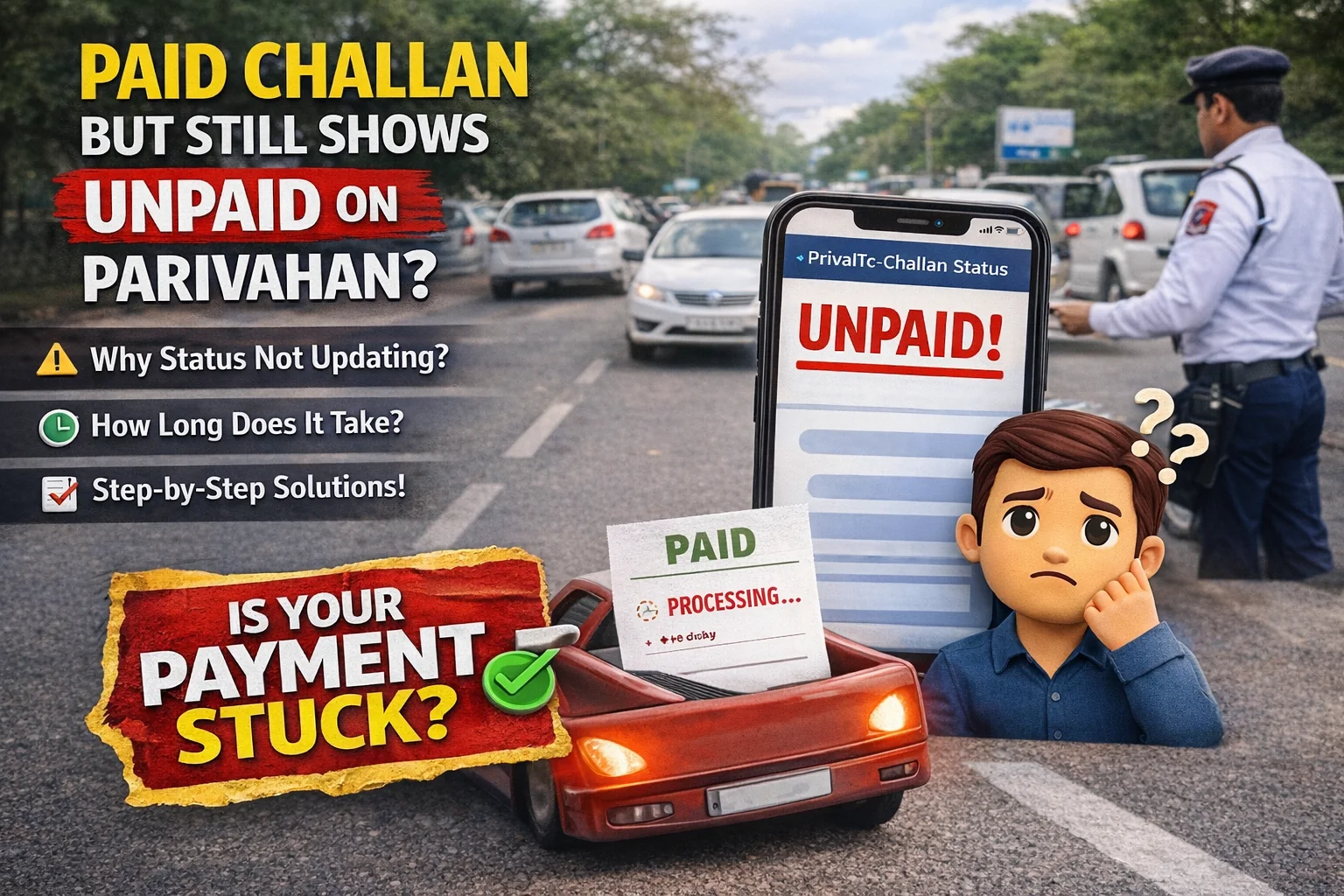
You paid your traffic challan online successfully. The money got deducted from your bank account or UPI. You may even have an SMS from the bank confirming the payment.
But when you check the challan again, it still shows: Unpaid, Payment Pending, Transaction Not Updated, or Active Challan.
This situation is frustrating — and very common. The good news is: in most cases, this happens due to payment gateway delays or portal sync issues, not because your payment failed. You usually don't need to visit the traffic police office or pay again immediately.
This guide will help you understand: why challan payment stays "unpaid" after payment; how long Parivahan takes to update challan status; step-by-step fixes that actually work; what to do if you paid twice; when to raise a complaint (and when not to).
For checking challan status the official way, use: Challan Check
Why Challan Paid But Still Shows Unpaid (Most Common Reasons)
Before we jump to fixes, it's important to understand why this happens. Most users assume "unpaid" means their payment failed, but that's not always true.
1) Bank/UPI Payment Is Successful but Portal Sync Is Delayed
This is the most common case. Your payment is completed in your bank/UPI app, but Parivahan Sewa takes time to receive confirmation and update the challan status. This delay happens because the payment goes through multiple systems: payment gateway → bank / UPI network → Parivahan server → traffic police database.
2) Payment Gateway Confirmation Pending
Sometimes the payment gateway confirms your payment late. Until confirmation reaches Parivahan, the challan stays unpaid.
3) You're Checking the Challan on the Wrong Portal
Some challans are linked to Parivahan e-Challan portal, Virtual Court, or State Traffic Police portal. If your challan is moved to court, it may show differently. To verify court challans, check: Virtual Court Challan.
4) Challan Was Escalated to Virtual Court
If the challan is escalated, Parivahan may show it as active while Virtual Court controls payment updates.
5) Browser Cache Showing Old Status
Sometimes the challan is already updated, but your browser shows the old cached status. This is why checking in incognito mode often solves the confusion.
6) Network Error After Payment
Many users pay, but the page reloads or shows an error after the payment step. The payment may still be successful, but the portal never refreshed correctly.
How Long Does Challan Payment Update Take?
Here's the realistic update timeline:
- UPI Payments (GPay / PhonePe / Paytm / BHIM): Usually 5–30 minutes; sometimes 2–6 hours.
- Debit Card / Credit Card / Net Banking: Usually 10–60 minutes; sometimes up to 24 hours.
- Worst-case (rare): Status may take 48–72 hours to update.
If you paid less than 24 hours ago, it's still normal for the challan to show unpaid.
Important Warning: Don't Pay Again Immediately
If you pay again too soon you might pay twice; refund becomes complicated and can take 7–30 days. So always follow the fix steps below before paying again.
Step-by-Step Fix: Challan Paid But Still Showing Unpaid
Below is the exact sequence you should follow. Don't skip steps.
Step 1: Confirm Payment Success in Your Bank/UPI App
Before checking any portal, confirm the payment is truly successful. If you paid using UPI: open the UPI app, check transaction status, confirm it shows Success, note the UTR number / Transaction ID. If you paid using card/net banking: check your bank statement and SMS, note the reference number. This proof is extremely important if you later need to raise a complaint.
Step 2: Wait at Least 30 Minutes
Yes, waiting is a fix. Many challans update after 10–30 minutes. Checking repeatedly within 2 minutes won't help.
Step 3: Check Challan Status Again (Official Page)
Check challan status again using E Challan Website. Try checking using Vehicle number, Challan number (if available), or Driving Licence number. Sometimes challan number shows faster updates than vehicle number.
Step 4: Use Incognito Mode or Another Browser
Try Chrome Incognito, Firefox, Edge, or mobile vs desktop browser. Cached pages can show old status.
Step 5: Check Virtual Court (Very Important)
If your challan is moved to court, Parivahan may not update instantly. Check Virtual Court Challan.
Step 6: Check Lok Adalat Option (If Available)
Some challans can be settled with discount through Lok Adalat. Lok Adalat Challan.
Step 7: Recheck After 24 Hours
If your payment is successful but status is still unpaid, check again after 24 hours. Most challans update within this time.
Troubleshooting Table (Quick Fix Guide)
| Problem You See | What It Usually Means | Best Fix |
|---|---|---|
| Paid, but challan still unpaid | Portal sync delay | Wait 30 min → check again |
| Payment success in bank, unpaid on portal | Confirmation pending | Recheck after 6 hours |
| OTP/portal errors during payment | Page failed but payment may be done | Check bank statement + UTR |
| Challan missing on Parivahan | Challan moved to court | Check Virtual Court |
| Paid twice accidentally | Duplicate payment | Save both IDs + complaint after 24 hrs |
| Still unpaid after 72 hrs | Payment stuck | Raise complaint with proof |
What If You Paid Twice? (Duplicate Payment Case)
Duplicate payments happen when the user panics and pays again, the portal didn't update quickly, or the payment page showed error. What to do: Save both transaction IDs; don't delete UPI screenshots; wait 24–72 hours (sometimes portal auto-adjusts); if no refund, raise a complaint.
How to Confirm Your Challan Is Actually Paid
Even if the portal status is delayed, you can confirm using: Proof #1: UTR Number / Bank Reference Number (strongest proof). Proof #2: Payment Receipt (if available). Proof #3: SMS / Email Confirmation.
When Should You Raise a Complaint?
Raise a complaint if: payment is successful but challan still unpaid after 72 hours; payment is deducted but marked failed; you paid twice and refund didn't arrive; challan remains active for days. Keep ready: vehicle number, challan number, payment date/time, UTR / transaction ID, screenshot (optional but useful).
Common Mistakes People Make
- Paying again immediately
- Not saving UTR/transaction ID
- Checking challan status on random unofficial websites
- Using agents for simple online challans
- Checking only by vehicle number (try challan number too)
Related Parivahan Services
- Challan Check
- Virtual Court Challan
- Lok Adalat Challan
- Vehicle Owner Details
- For more official guides, visit Parivahan Sewa Home Page